 NEW · VIDEO STUDIO
MAKE YOUR PHOTO MOVE
AI Photo to Video
A still photo. A little movement. Create a cinematic portrait, bring a memory to life or transfer a move from your own clip.
From 60 credits / videoOpen studio
A LITTLE IMAGINATION. A LOT OF YOU.
A photo that moves. A throwback portrait. A miniature you. Find a new way to see yourself with simple tools for your next creative idea.
Find your next lookYOUR CREATIVE TOOLBOX
One photo. A style that speaks to you.
Each tool has its own little studio.
NEW · VIDEO STUDIOMAKE YOUR PHOTO MOVE
A still photo. A little movement. Create a cinematic portrait, bring a memory to life or transfer a move from your own clip.
 THE ORIGINAL
PHOTO RESTYLING
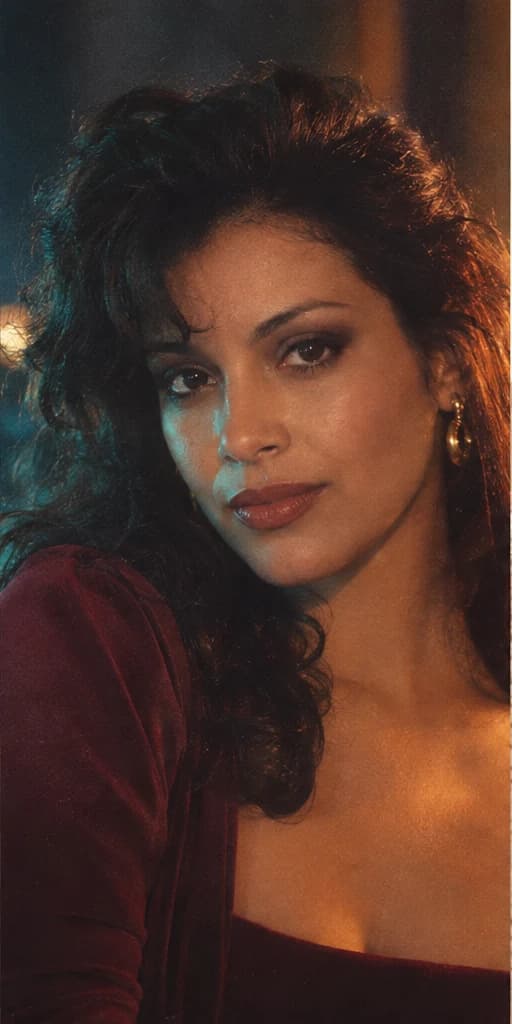
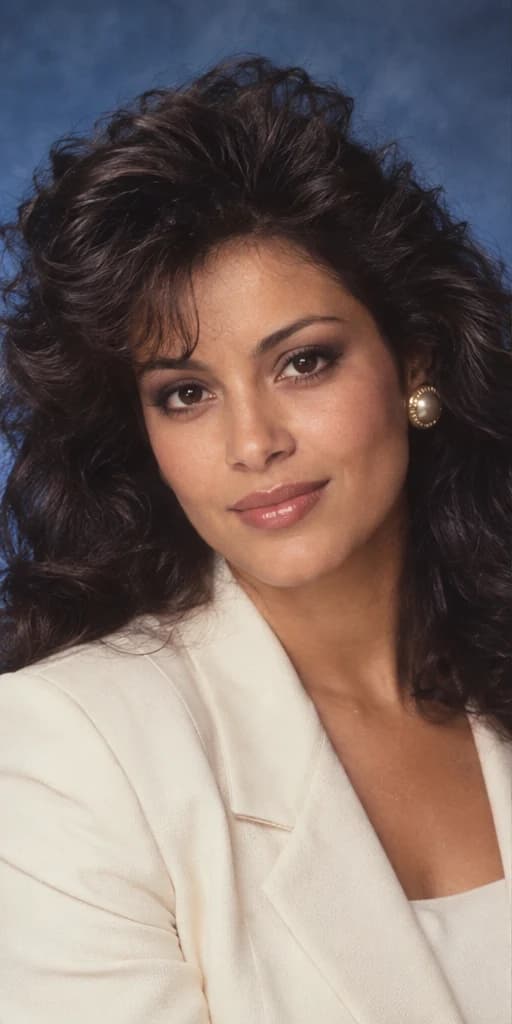
Your face, a different decade. Reimagine your selfie as an 80s studio portrait, cinematic still or vintage keepsake.
 NEW IN THE STUDIO
COLLECTIBLE PORTRAITS
Make yourself shelf-worthy. Turn a photo into a miniature desk collectible or a boxed figure with recognizable details.
All examples are AI-created demonstrations with fictional people, not tested customer results. Availability and your current allowance are shown inside each studio.
SMALL STEPS. A NEW PERSPECTIVE.
Explore a new visual direction, then open its studio. Every tool shows its options and credit cost before you submit.
Start with a clear photo. Generate once and compare the result with your reference, giving your face a careful look.
Download your MP4, image or a labeled before-and-after. You decide what to share and what stays in your private studio.
KEEP YOUR IDEAS COMING
One credit balance across the available tools. Choose monthly or save with a yearly plan.
Room for your next creative idea.
600 credits per month
$19 billed monthly. Credits refresh after each paid renewal.
More experiments. More keepers.
1,400 credits per month
$39 billed monthly. Credits refresh after each paid renewal.
A larger canvas for frequent creators.
4,000 credits per month
$100 billed monthly. Credits refresh after each paid renewal.
USD. Standard images use 3 credits; high-detail images use 8. Five-second videos use 60 credits; Copy a Motion uses 90. Image and video examples are alternative uses of the same balance, not separate allowances. Credits expire at the end of the paid period and do not roll over. Yearly plans issue a full year’s credits upfront. Plans renew automatically until canceled. Confirmed failed requests restore credits to their original expiry; uncertain requests keep them reserved. Read the terms.
THE EDITINGAPP NOTEBOOK
PHOTO GUIDE
Explore three original 80s AI photo prompts, compare studio and cinematic styling, and learn how to turn a selfie into a believable retro portrait.
Image: AI-created style demonstration
PHOTO GUIDE
Choose a clearer selfie, avoid common upload problems, and check your AI portrait’s facial details before downloading a retro photo or before-and-after.
Image: AI-created style demonstrationBEFORE YOUR NEXT IDEA
Animate a photo into a short AI video, create a retro portrait or imagine yourself as a collectible figurine. Each tool has its own workspace. Video downloads are MP4 files; figurines are flat images, not physical toys or 3D-printable files.
The instructions prioritize recognizable facial features, age and skin tone. AI can still change details. Compare the original and result carefully before downloading; likeness is not guaranteed.
A standard image uses 3 credits and high detail uses 8. A five-second photo animation uses 60 credits; Copy a Motion uses 90 for a 3–5 second clip. Monthly plans add credits after each paid renewal; yearly plans issue twelve months upfront. Credits expire at the end of the paid period. Your studio shows the cost before submission.
Use one clearly visible face in a still JPG, PNG or WebP under 4 MB. Each side must be at least 256 pixels and the image must be no larger than 16 megapixels. For a figurine, a waist-up or full-body photo gives more clothing information. Convert HEIC to JPG first.
A confirmed failure restores the reserved credits to their original expiry. If the outcome is uncertain, credits stay reserved while you check the same request. Use Check request after a connection interruption; submitting again would start a different generation.
No public gallery is created. Your selfie is previewed locally until you generate. Submitted photos are processed through fal and stored privately. Access expires after 24 hours; automatic deletion requires scheduled cleanup. You can delete photos manually after processing. Separate provider retention policies apply. Read the photo privacy notice.
Yes. Review your original and result side by side or with the comparison slider, then save the portrait PNG or a labeled comparison. Downloads do not automatically post to Instagram, TikTok or another social account.